
Best Design Tools tools (53+)
Discover 53+ best design tools tools. Compare features, pricing, and reviews. Free and paid options available.

vaethat
Vaethat is an AI tool that effortlessly enhances 3D architectural renders, refining details and clarity while.

Postproxy
Postproxy simplifies social media publishing by unifying multiple platforms into one seamless API integration.
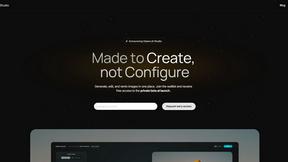
Gleem.AI Studio
Gleem.AI Studio simplifies creative design by letting you generate, edit, and personalize visuals all in one intuitive.
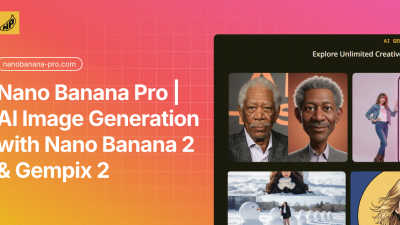
Nano Banana Pro
Create stunning 4K AI images and edit them easily with fast, professional-grade tools.
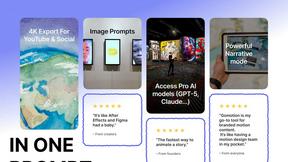
Gomotion
Turn your words into stunning motion graphics in seconds with simple AI prompts.
Coloring Book Engine
Easily create and publish professional coloring books and videos from your ideas with our all-in-one desktop app.
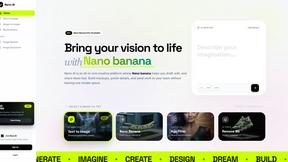
Nano AI
Nano AI is a creative platform for fast AI image generation, editing, and sharing all in one seamless space.

conceptviz
ConceptViz instantly creates clear, classroom-ready science and math diagrams from your simple description.

ReflectMind
Easily create stunning AI presentations and visual content in minutes, no design skills needed, and engage your.

Image3D AI
Easily convert any 2D image into high-quality 3D models in minutes, perfect for printing and gaming.

Refbox
Refbox keeps your images, videos, and notes easily accessible above your workspace for a smoother workflow.
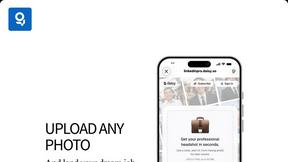
LinkedInPro
Get a professional LinkedIn headshot in seconds from any casual photo with AI.
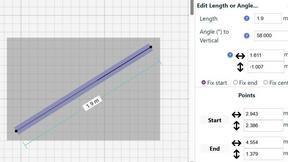
SimpleDraw
Easily create accurate floor plans and scale drawings online with SimpleDraw, no experience or downloads needed.
Popular Alternatives in Design Tools
About Design Tools tools
Design Tools help creative professionals and teams create visual content, user interfaces, brand assets, and digital experiences. This category includes graphic design platforms, UI/UX design tools, prototyping software, icon and illustration libraries, color palette generators, and collaborative design systems that streamline creative workflows.
Whether you are designing a website mockup, creating marketing materials, building a design system, or prototyping a mobile app, these tools provide the creative capabilities needed to produce professional visual work efficiently.
Compare design tools by their design capabilities, collaboration features, asset libraries, export options, and pricing to find the right creative software for your projects and team.
FAQs for Design Tools
What types of design tools are included?
This category includes graphic design platforms, UI/UX design tools, prototyping and wireframing software, illustration tools, icon libraries, color palette generators, font managers, mockup generators, and collaborative design system builders.
Do I need design experience to use these tools?
Many design tools offer templates, drag-and-drop interfaces, and AI-assisted features that make professional design accessible to beginners. More advanced tools provide precision controls and features designed for experienced designers.
Which design tools support team collaboration?
Many modern design tools offer real-time co-editing, shared libraries, design system management, version history, commenting, and handoff features that make collaborative design seamless for distributed teams.
Can I use design tools for both web and print?
Yes. Many design tools support both digital and print output formats with proper color profile management, resolution settings, and bleed area controls. Check individual listings for specific output format support.
Are there free design tools available?
Yes. Several design tools offer generous free tiers with core features, templates, and export options. Free plans are usually sufficient for individual use, while team features and advanced capabilities require paid plans.
How do design tools handle brand consistency?
Many tools include brand kit features that store your logos, fonts, colors, and templates in a shared library. This ensures everyone on the team uses approved brand assets and maintains visual consistency across all materials.