
Best Analytics & Data tools (52+)
Discover 52+ best analytics & data tools. Compare features, pricing, and reviews. Free and paid options available.
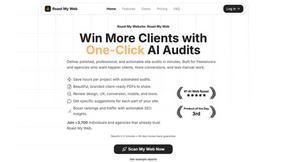
Roast My Web
Get a client-ready website audit with prioritized fixes in just two minutes.
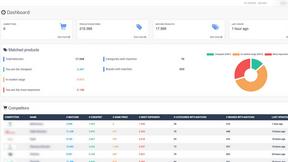
Size The Market
Track competitor prices in real time to make smarter, winning pricing decisions.

KolFind
KOLFind uses AI to quickly connect you with the ideal micro and nano influencers for your marketing needs.
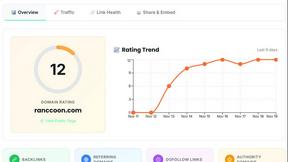
Ranccoon
Ranccoon automatically tracks your Domain Rating and guides you with actionable steps to boost your online authority.
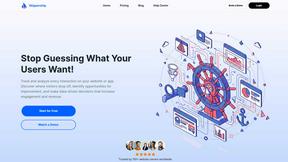
Skippership
Skippership reveals user behavior insights to enhance engagement and boost conversion rates effortlessly.

10Xprofit - Amazon Seller Tools
10Xprofit provides powerful tools and training to launch and grow your Amazon business from zero to six figures.
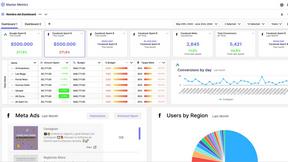
Master Metrics
Master Metrics turns your marketing data into clear dashboards and alerts for smarter decisions.
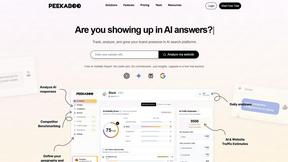
Peekaboo
Peekaboo helps you track your brand's visibility in AI answers and shows you how to enhance your presence effectively.
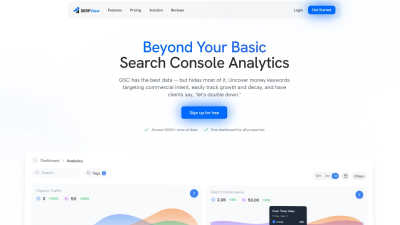
SERPView
SERPView simplifies Google Search Console data, helping you track keywords and boost your website traffic effortlessly.
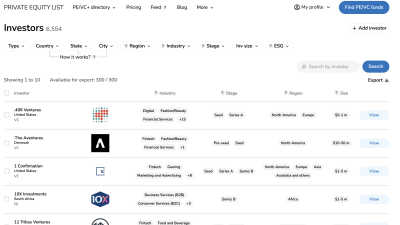
Private Equity List
Effortlessly find private equity and venture capital investors with our AI-powered database designed for fast funding.
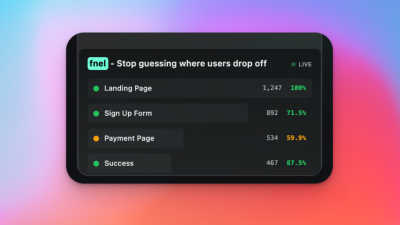
fnel
See exactly where users drop off in your funnel with simple, real-time analytics.
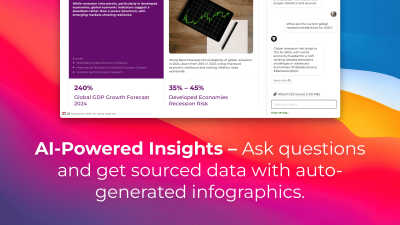
StatPecker
StatPecker transforms your data into quick insights and stunning visuals, making analysis easy and sharable.
Popular Alternatives in Analytics & Data
About Analytics & Data tools
Analytics and Data tools help professionals collect, process, visualize, and interpret data to make informed business decisions. This category covers everything from web analytics platforms and business intelligence dashboards to data pipeline tools and statistical analysis software.
Whether you are tracking website traffic, analyzing customer behavior, building data visualizations, or running complex queries across large datasets, these tools provide the infrastructure and interfaces needed to turn raw data into actionable insights. Many offer AI-powered features for automated pattern detection and predictive analytics.
Compare analytics and data tools by their data sources, visualization capabilities, collaboration features, and pricing models to find the right solution for your team's analytical needs.
FAQs for Analytics & Data
What types of analytics tools are included?
This category includes web analytics platforms, business intelligence dashboards, data visualization tools, customer analytics software, product analytics solutions, data pipeline builders, and statistical analysis platforms for teams of all sizes.
Do I need technical skills to use analytics tools?
Many analytics tools offer intuitive drag-and-drop interfaces and pre-built dashboards that require no coding. More advanced tools support SQL queries, custom scripts, and API access for technical users who need deeper analysis capabilities.
How do analytics tools handle data privacy?
Most analytics tools comply with GDPR, CCPA, and other privacy regulations. Many offer data anonymization, consent management, server-side tracking, and data residency options. Check individual listings for specific compliance certifications.
Can analytics tools integrate with my existing stack?
Yes. Analytics tools typically offer integrations with databases, data warehouses, CRM systems, marketing platforms, and other business tools through native connectors, APIs, and webhook support.
What is the difference between web analytics and business intelligence?
Web analytics focuses specifically on website and app user behavior tracking, while business intelligence encompasses broader data analysis across all business operations including sales, finance, operations, and customer data from multiple sources.
How do I choose the right analytics tool?
Consider your data sources, team technical skills, visualization needs, collaboration requirements, data volume, and budget. Start with free tiers to evaluate the interface and capabilities before scaling to paid plans.