

Alternatives to Sprite-AI
Describe your dream pixel sprite and Sprite-AI creates it instantly, ready to drop into your game with no drawing skills needed.
Explore 20 alternatives to Sprite-AI. Compare features, pricing, and find the best fit for your needs.

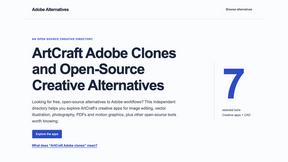
Adobe Alternatives
Explore open-source creative software by workflow, platform and development stage, with comparisons and official project links.
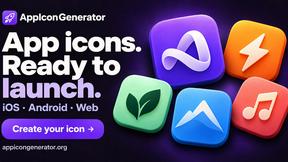
AppIconGenerator
Generate iOS and Android app icons from any image and export all platform sizes for free.
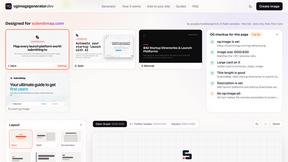
ogimagegenerator.dev
Paste a URL and AI designs on-brand Open Graph images from your page's colours, fonts and logo. Free, no sign-up.
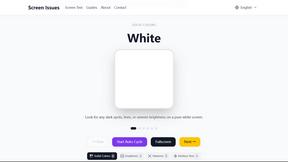
Screen Issues
Free Online Screen Test Tool - Instantly diagnose dead pixels, lines, color issues, and flickering. Multiple test modes, no download needed.
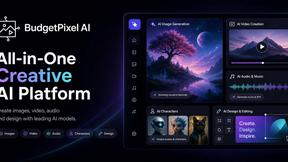
Budgetpixel AI
Create and edit AI images, videos, music, and designs in one workspace, with multiple models, reusable characters, and API access.
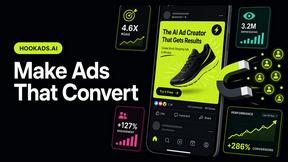
HookAds
Free ad creative hub: 1,750+ prompts behind viral AI ads, 118 hook frameworks, teardowns, swipe files and 27 free AI tools.
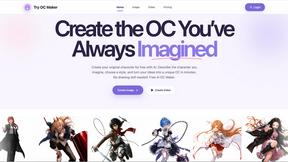
Try OC Maker
Create OCs from text or images, customize their look, and turn them into animated videos with AI.
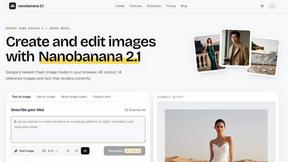
nanobanana 21
Fast, simple image studio powered by Nano Banana 2.1. Create and edit high-quality AI images with accurate details and readable text.
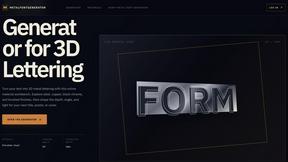
metalfontgenerator
A sleek online tool for creating bold 3D metal lettering with customizable finishes, depth, perspective, lighting, and spacing.
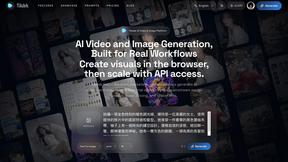
Seedance 2.5 Free
Create polished AI videos from text or images online with Seedance 2.5 Free.
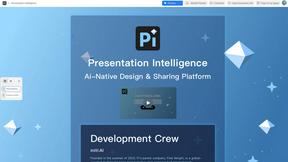
Presentation Intelligence
AI-native presentation and visual content platform that turns prompts, documents, images, videos, and data into polished, shareable decks.

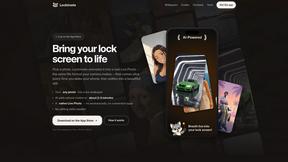
Lockimate - AI Live Wallpapers
Turn any photo into a real Apple Live Photo that animates when you wake your iPhone. Restyle it and choose the motion — customizable.


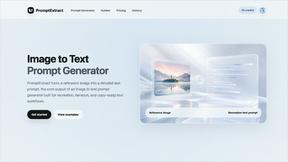
PromptExtract
PromptExtract converts a reference image into a detailed, structured AI image prompt that creators can edit and reuse.
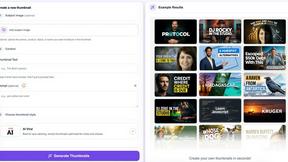
StopScroll
StopScroll is an AI thumbnail maker that generates, compares, and helps creators pick stronger cover images before publishing.
About Sprite-AI Alternatives
Sprite-AI is a design tool that uses artificial intelligence to generate pixel art sprites from simple text descriptions, making it a popular choice for indie game developers, hobbyists, and prototypers who need 2D assets quickly. It belongs to the category of AI-powered design tools, specifically focused on pixel art creation, and eliminates the need for manual drawing skills by producing clean, game-ready images in sizes like 32x32, 64x64, or 128x128 pixels. Users often look for alternatives due to factors like pricing models, such as Sprite-AI’s token-based system, which may not suit everyone’s budget or usage frequency, as well as the need for different feature sets like advanced editing capabilities, integration with other platforms, or a more generous free tier. When choosing an alternative, it’s important to consider your specific workflow, such as whether you need a built-in pixel editor, support for multiple game engines, community features, or a pricing structure that aligns with how often you generate assets. Look for tools that offer clear export options, responsive support, and a user-friendly interface that matches your skill level, ensuring you can create and refine sprites without unnecessary complexity.
FAQs about Sprite-AI Alternatives
What is Sprite-AI?
Sprite-AI is an AI-powered pixel art generator designed to help indie game developers, hobbyists, and prototypers create 2D assets quickly and easily. You describe a sprite in plain English, and the app produces a clean, game-ready pixel art image in sizes such as 32x32, 64x64, or 128x128 pixels. It includes a built-in pixel editor for fine-tuning, and exports transparent PNG files compatible with engines like Unity, Godot, GameMaker, and Unreal.
Who is Sprite-AI for?
Sprite-AI is built for indie game developers, hobbyists, and prototypers who need fast 2D assets without requiring drawing skills. It is ideal for anyone creating pixel art for roles like icons, items, characters, or hero and boss sprites. The platform is beginner-friendly, with prompt guides and a community gallery to help new users get started, while still being useful for experienced developers looking to speed up their asset creation process.
Is Sprite-AI free?
Sprite-AI uses a token-based pricing model where you only pay for what you generate, rather than offering a completely free service. This means you purchase tokens that are consumed each time you create a sprite, giving you control over your spending. While there may be a small number of free tokens to try the tool, ongoing use requires purchasing additional tokens, making it a pay-as-you-go system.
What are the main features of Sprite-AI?
The main features of Sprite-AI include text-to-sprite generation that produces pixel art from plain English descriptions, with output sizes of 32x32, 64x64, or 128x128 pixels. It also has a built-in pixel editor with tools like paint, erase, fill, and color-pick for fine-tuning each sprite. The platform exports transparent PNG files that are ready to drop into game engines such as Unity, Godot, GameMaker, and Unreal, and includes a community gallery and prompt guides for inspiration and learning.