
Money Tracker App
Money Tracker App helps you log expenses and income on iPhone with AI receipt scanning, budgets, and complete privacy no bank link needed.
Visit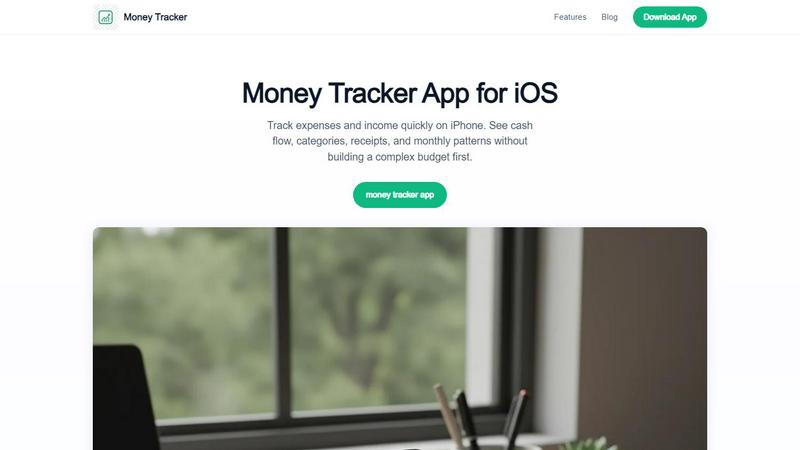
About Money Tracker App
Money Tracker App is a private iOS expense and money tracking app, also known as Walleta, designed for people who want to log their spending without linking a bank account. This app combines one-tap category logging, on-device AI receipt scanning, monthly budget limits, calendar spending views, and category analytics all in one simple workflow. It is built for anyone who wants a fast picture of where their money goes each day without the complexity of traditional budgeting tools. The app is best for daily visibility, not for tax filing or investment advice.
What makes Money Tracker App unique is that it requires no bank connection or signup. Your data stays on your device with no cloud sync, giving you complete privacy and control over your financial information. Users can add purchases in seconds or point the camera at a receipt so on-device AI extracts merchant, total, date, and category for verification before saving. Fourteen built-in categories cover food, groceries, transport, shopping, health, rent, bills, subscriptions, and more. Monthly budget tracking shows your progress and alerts you when limits are approached. Pie charts, bar graphs, and day-by-day calendar views summarize weekly, monthly, and yearly spending patterns. Multi-currency support makes it suitable for travelers and expats. Money Tracker App fits freelancers, students, privacy-conscious households, and anyone tired of juggling separate receipt scanners, loggers, and spreadsheets.
Features of Money Tracker App
One-Tap Category Logging
With fourteen built-in categories including food, groceries, transport, shopping, health, rent, bills, and subscriptions, you can log expenses in seconds. Category suggestions speed up repeat entries based on rules, vendor names, or your previous choices. This feature makes daily tracking feel effortless and helps you build consistent habits without overthinking where to put each purchase. You can also customize categories to match your personal spending patterns.
On-Device AI Receipt Scanning
Point your camera at a receipt and the on-device AI extracts merchant name, total amount, date, and category for you to verify before saving. This feature works entirely on your iPhone, meaning no data leaves your device. The OCR technology reads details from clear receipts, but you always confirm the extracted information before it becomes a transaction record. This is perfect for reimbursements, business purchases, travel expenses, or tax-adjacent records.
Monthly Budget Tracking
Set monthly budget limits for any category and watch your progress in real time. The app shows how much you have spent compared to your limit and alerts you when you are approaching the cap. This gentle nudge helps you stay aware of your spending without feeling restricted. You can adjust budgets month to month based on changing needs, seasonal expenses, or new financial goals.
Calendar Spending Views
See your spending day by day with a calendar view that shows each transaction on the date it happened. This visual layout helps you spot patterns like weekend splurges, mid-month bill clusters, or weekly grocery runs. Combined with pie charts and bar graphs, you can summarize weekly, monthly, and yearly trends to understand your cash flow and identify areas where you might want to adjust.
Use Cases of Money Tracker App
Daily Expense Tracking for Freelancers
Freelancers often have irregular income and various business expenses that need to be tracked separately from personal spending. Money Tracker App lets you log both income from freelance projects and expenses like software subscriptions, equipment purchases, or client meeting costs. You can categorize each transaction, attach receipt photos for tax season, and review monthly cash flow to understand your true earnings. The app helps you stay organized without needing a complex accounting system.
Student Budget Management
Students managing limited funds from part-time jobs, allowances, or student loans can use Money Tracker App to see exactly where their money goes. Log textbook purchases, dining out with friends, transportation costs, and subscription services. The monthly budget feature helps you set limits for non-essential categories so you can stretch your money further. The simple interface means no learning curve, and you can track spending in seconds between classes.
Household Expense Sharing
Families or roommates who share costs for groceries, utilities, rent, and other household items can use the app to record shared expenses. Each person can log their purchases and categorize them appropriately. At the end of the month, you can review category totals and cash flow to split costs fairly. The receipt scanning feature is especially useful for keeping proof of shared purchases, and the calendar view helps everyone see when bills were paid.
Travel and Multi-Currency Tracking
Travelers and expats dealing with multiple currencies will appreciate the multi-currency support in Money Tracker App. Log expenses in the local currency while traveling, convert them to your home currency, and see your total spending across different countries. The receipt scanning feature helps you capture foreign receipts quickly, and the category analytics show where your travel budget is going, whether it is accommodation, dining, transportation, or activities.
Frequently Asked Questions
Does Money Tracker App require a bank connection or signup?
No, Money Tracker App does not require any bank connection or signup. You can start tracking your expenses and income immediately after downloading. Your data stays on your device with no cloud sync unless you choose to enable iCloud sync. This makes it ideal for privacy-conscious users who want complete control over their financial information.
How does the AI receipt scanning work?
When you point your camera at a receipt, the on-device AI reads the text and extracts the merchant name, total amount, date, and category. You then verify and confirm the extracted information before it saves as a transaction. The OCR works best on clear, well-lit receipts with standard layouts. You should always check the results because blurry receipts or unusual layouts can produce wrong totals.
Is Money Tracker App free to use?
Yes, the basic version of Money Tracker App is free to use and includes manual logging of expenses and income. You get three free AI receipt scans to try the feature. If you want unlimited AI receipt scans, you can upgrade to Walleta Pro. The free version still includes all the core features like category logging, budget tracking, calendar views, and charts.
Can I use Money Tracker App for business or tax purposes?
Money Tracker App is designed for daily visibility and personal money management, not for tax filing or professional financial advice. You can use it to track business expenses and attach receipt photos, but you should verify totals against bank statements, invoices, or tax records. It is best as a tool for understanding your spending patterns and cash flow, not as your only record for tax filings or investment decisions.
Pricing of Money Tracker App
Money Tracker App offers a free version that includes manual logging of expenses and income with all core features such as category logging, budget tracking, calendar views, and charts. You get three free AI receipt scans to try the feature. For unlimited AI receipt scans, you can upgrade to Walleta Pro. The app is available for download on the App Store for iPhone.
Explore more in this category:
Similar to Money Tracker App


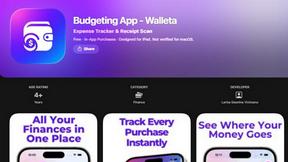
Budgeting App
Walleta is a user-friendly budgeting app that effortlessly tracks expenses and scans receipts, helping you manage your money with ease.
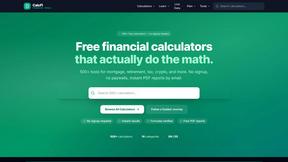
CalcFi
CalcFi offers 500+ free financial calculators for every money decision, providing instant results and detailed reports without any signup.
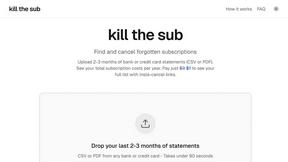
kill the sub
Find and cancel forgotten subscriptions in minutes with our AI tool for just $3.
Fintrack
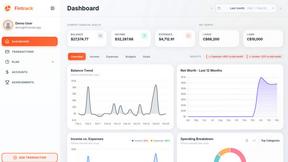
Fintrack is your AI money copilot that reveals hidden savings, tracks spending, and simplifies personal finance for a clearer financial future.

Redbark
Easily sync your Australian bank and brokerage data to Google Sheets and YNAB, automating your financial tracking.

Ricco - Financial Literacy Game
Ricco is a fun financial literacy game that teaches budgeting, investing, and money management through real-life.