Beeslee AI Receptionist vs Playwriter
Side-by-side comparison to help you choose the right tool.

Beeslee AI Receptionist
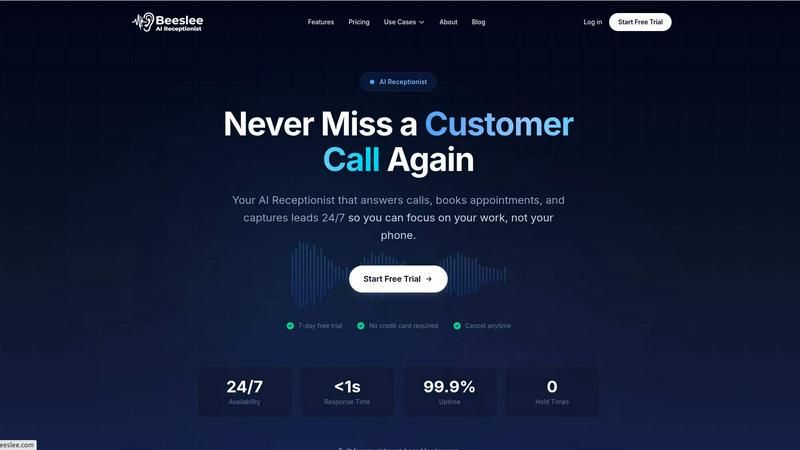
Beeslee AI Receptionist answers calls and books appointments 24/7, ensuring you never miss a customer opportunity.
Last updated: February 28, 2026

Visual Comparison
Beeslee AI Receptionist
Playwriter

Overview
About Beeslee AI Receptionist
Beeslee AI Receptionist is an innovative 24/7 automated phone assistant designed specifically for small businesses. Its primary goal is to ensure that you never miss a customer call again, addressing the significant issue that over 62% of calls to small businesses go unanswered. This can lead to lost revenue and frustrated potential clients who might turn to competitors instead. With Beeslee, each call is answered instantly by a remarkably human-like AI voice, allowing for seamless engagement. It is tailored specifically for appointment-based businesses like HVAC services, salons, pet groomers, and wellness practices. The core value proposition is to capture every opportunity by not just answering calls, but also engaging in natural conversations that allow for appointment bookings, lead information capture, and answering frequently asked questions based on your business knowledge. Setup is a breeze, requiring no technical skills or complicated processes, allowing you to choose a phone number, train your AI agent with your business specifics, and go live in under 15 minutes—all at a fraction of the cost of hiring a human receptionist. Beeslee transforms your phone into a reliable, automated revenue channel, helping you focus on what you do best: your work.
About Playwriter
AI agents cannot browse the web properly. They either have no browser access, or they get a fresh Chrome with no logins, no extensions, and instant bot detection. Playwriter gives them your actual browser session instead. One Chrome extension, full automation API, everything you are already logged into. Includes accessibility snapshots (5-20KB instead of 100KB+ screenshots), a debugger with breakpoints, live code editing, network interception, and video recording. Works with any MCP client: Cursor, Claude, VS Code, and more. Open source, MIT licensed.