
Best Image Generation tools (64+)
Discover 64+ best image generation tools. Compare features, pricing, and reviews. Free and paid options available.
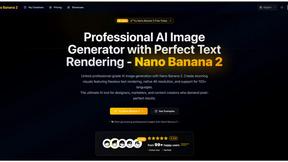
Nano Banana 2
Nano Banana 2 is your AI image editor that creates stunning visuals with perfectly clear text for professional designs.
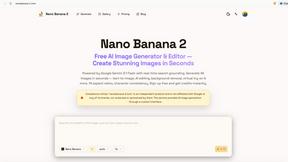
Nano Banana 2
Create stunning 4K images in seconds with Nano Banana 2, your free AI image generator and editor for effortless visual content creation.
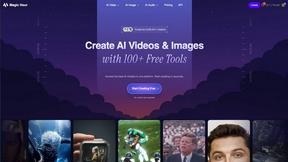
Magic Hour
Magic Hour is a free AI studio that empowers you to create stunning videos and images effortlessly in seconds.
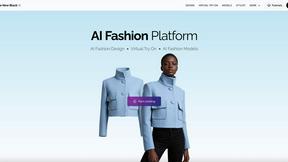
The New Black AI
Effortlessly create stunning AI models for clothing, jewelry, and accessories while maintaining full creative control.
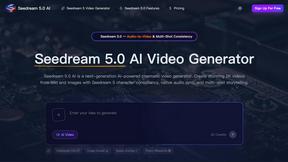
Seedream 5.0 AI
Create stunning 2K images and cinematic videos from text prompts with Seedream 5.0 AI's advanced generation.
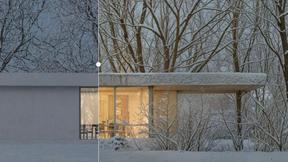
vaethat
Vaethat is an AI tool that effortlessly enhances 3D architectural renders, refining details and clarity while.
Gleem.AI Studio
Gleem.AI Studio simplifies creative design by letting you generate, edit, and personalize visuals all in one intuitive.
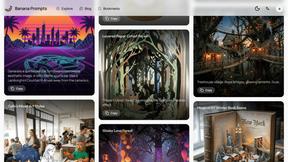
Banana Prompts
Discover ready-to-use, high-quality prompts for Nano Banana AI image generation to spark your creativity instantly.
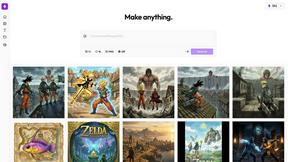
Nani
Nani makes AI image generation easy by organizing prompts and images into reusable sets for seamless creativity.
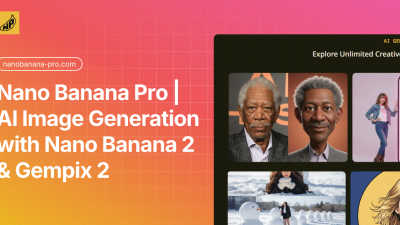
Nano Banana Pro
Create stunning 4K AI images and edit them easily with fast, professional-grade tools.

Grok Imagine
Turn your words or pictures into stunning, synced AI videos in seconds, starting for free.
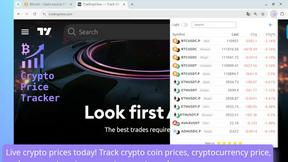
Crypto Prices & PnL Tracker
Effortlessly track real-time crypto prices and automated profits with our intuitive browser extension for your.
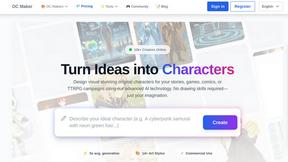
OC Maker
OC Maker lets you create unique characters for any project with AI, no drawing skills needed.
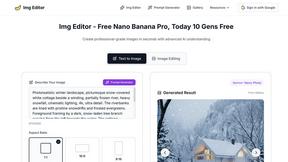
Img Editor
Turn your ideas into stunning AI images effortlessly with Img Editor's advanced and intuitive technology.
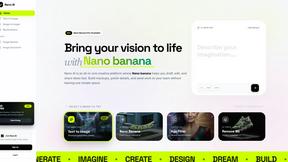
Nano AI
Nano AI is a creative platform for fast AI image generation, editing, and sharing all in one seamless space.
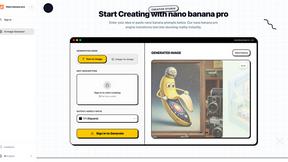
Nanobananapro
Nano Banana Pro instantly creates stunning 4K AI images from your text for manga, photos, and social media.

Mediasaur
Turn your existing photos into endless product images and ads with AI.
SaasHunt
Launch your SaaS product and discover new indie tools to grow your business.
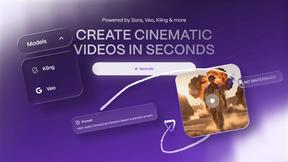
Vailo AI
Vailo AI instantly creates beautiful, watermark-free videos and images from your simple text descriptions.
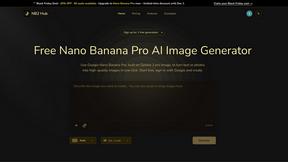
NB2 Hub
Turn your text or photos into stunning 4K images with one click using our free AI generator.
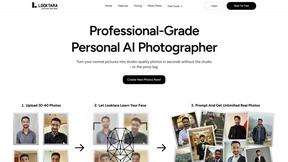
Looktara
Looktara creates your personal AI model to generate stunning, professional photos tailored to your style and brand.
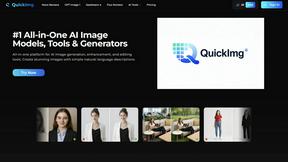
QuickImg
Create stunning AI images easily with our all-in-one platform for generation, editing, and enhancement.
NanoImg
NanoImg is an all-in-one AI image editor that effortlessly transforms your text into beautiful images in seconds.
ChatIMG.io
ChatIMG.io is your go-to platform for effortlessly generating, enhancing, and editing images with advanced AI tools.
Popular Alternatives in Image Generation
About Image Generation tools
Image Generation tools use artificial intelligence to create visual content from text descriptions, sketches, reference images, and creative prompts. This category includes AI art generators, text-to-image platforms, style transfer tools, AI avatar creators, and product mockup generators that transform ideas into visual content.
Whether you are creating marketing visuals, generating concept art, producing social media graphics, building product mockups, or exploring creative AI art, these tools provide accessible image creation capabilities that were previously available only to skilled designers and illustrators.
Compare image generation tools by their output quality, style options, customization controls, generation speed, and pricing to find the right AI image creation solution for your visual content needs.
FAQs for Image Generation
What types of image generation tools are available?
This category includes text-to-image generators, AI art platforms, style transfer tools, AI avatar and portrait creators, product mockup generators, logo creators, and specialized image generation tools for marketing, social media, and creative projects.
How good is AI-generated image quality?
Modern AI image generators produce photorealistic and artistically compelling images that are suitable for many commercial and creative applications. Quality varies by tool and prompt, with the best tools delivering output comparable to professional design work.
Can I use AI-generated images commercially?
Licensing varies by tool. Many platforms grant commercial usage rights for generated images, but terms differ regarding exclusivity, attribution requirements, and specific use cases. Always check the licensing agreement for each tool.
Do I need design skills to use image generators?
No. Most image generation tools accept natural language descriptions and generate images automatically. Learning to write effective prompts improves results, but no traditional design skills are required to produce quality visual content.
How do I get better results from AI image generators?
Write detailed, specific prompts that describe style, composition, lighting, mood, and subject matter clearly. Experiment with different wording, use negative prompts to exclude unwanted elements, and iterate on results to refine your output.
What are the limitations of AI image generation?
Common limitations include inconsistent text rendering in images, difficulty with specific hand and finger details, challenges with exact brand reproduction, and potential style biases from training data. Results improve with each tool update.