

Alternatives to Seedream 5.0 AI
Seedream 5.0 AI supports prompt-based image creation, targeted edits to uploaded images, and brief video generation with synchronized audio.
Explore 20 alternatives to Seedream 5.0 AI. Compare features, pricing, and find the best fit for your needs.

FoxyLab
FoxyLab helps teams draft product videos and banners in chat, using briefs or websites and supporting revisions in plain language.
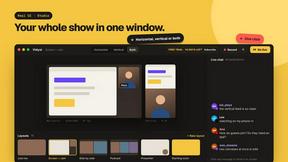
Vidyst
Vidyst is Mac software for multistreaming and 4K recording, with browser guests and live landscape plus vertical output.
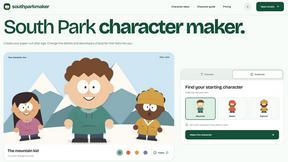
southparkmaker
Create a South Park-inspired cartoon avatar by customizing a preset, previewing it, and downloading PNG or SVG files.
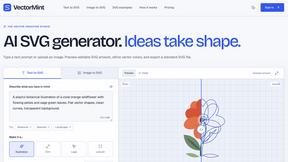
VectorMint
VectorMint turns text prompts or images into editable SVG artwork, with a free preview and paid downloads for icons, logos, and illustrations.
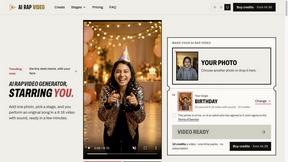
AI Rap Video
Turn one photo into a vertical rap video with an original song, lyrics and a choice of themed stages.
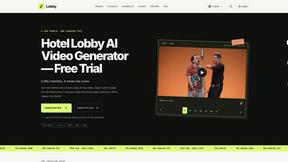
LobbyClip
Create Hotel Lobby style duo videos from separate photos, with flexible scene, format and one-time credit choices.
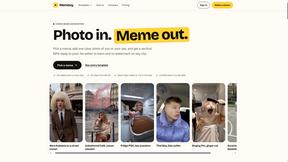
Memevy
Make a short, watermark-free meme video from a photo or prompt, with timed templates and MP4 exports for social sharing.

RapTwins
RapTwins turns photos into short AI rap videos with original vocals, beats, and customizable stages, for solo clips or duets.
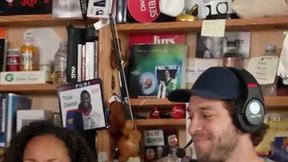
Tiny Desk AI
Generate the Outstanding Tiny Desk parody with a solo portrait or up to five cast members and choose the clip's runtime.
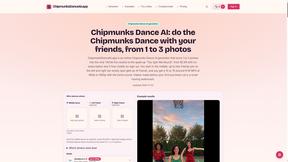
Chipmunks Dance AI
Create a vertical Chipmunks Dance video from one to three portraits, with AI-generated dancers available for unfilled positions.
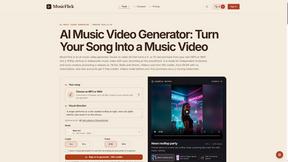
MusicFlick
MusicFlick turns a selected MP3 or WAV hook into a short 1080p music video for independent artists and Suno creators.
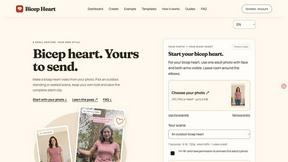
Bicep Heart
Convert an adult photo into a seven-second bicep heart video, with outdoor, standing and seated scenes plus optional text layouts.
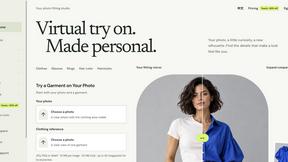
VirtualTryOn
Preview clothes, glasses, rings and hairstyles on your photo with AI, then compare the visual result with the original.
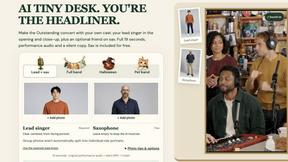
AI Tiny Desk
Turn a clear adult portrait into a 19-second desk-concert video with a choice of lineup, theme, and audio or silent download.
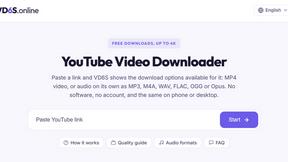
VD6S.online
Download YouTube video as MP4 or extract audio in eight formats with this free, browser-based tool that needs no account or installation.
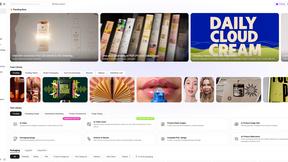
Rhinobird
Rhinobird creates e-commerce listing images, product ads, reference-based videos and packaging visuals from product imagery.

Tiny Desk AI
Tiny Desk AI turns photos of you and friends into a 15-second vertical Outstanding Tiny Desk video with AI-generated sound.

Tip Toeing in My Jordans AI
Generate a 12-second Rumpelstiltskin tiptoe meme from photos, with AI-generated sound and vertical or widescreen framing.
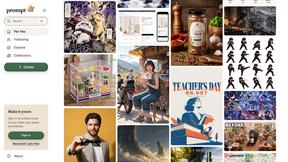
Promptclay
Discover tested prompts for AI images, with the actual results and model details shown for each example.
About Seedream 5.0 AI Alternatives
For a workflow focused on polishing one uploaded picture, compare tools by the range of edits they accept and how precisely they preserve the source. For short motion pieces, check supported duration and audio. Seedream combines those tasks, so the useful comparison is whether one platform covers the needed steps and settings.
FAQs about Seedream 5.0 AI Alternatives
Should I use an image editor or an image generator?
Choose based on whether you need to modify an existing picture, create from a prompt, or both.
What should I look for in a storyboard tool?
Check support for multiple subjects, style consistency, and whether stills can be carried into short video generation.