
DR Checker vs PortBackLinks
Side-by-side comparison to help you choose the right tool.

DR Checker helps you build trust by verifying your website's security and reliability.

PortBackLinks simplifies your backlink campaigns with a central workspace to track submissions and evidence easily.
Last updated: February 28, 2026
Visual Comparison
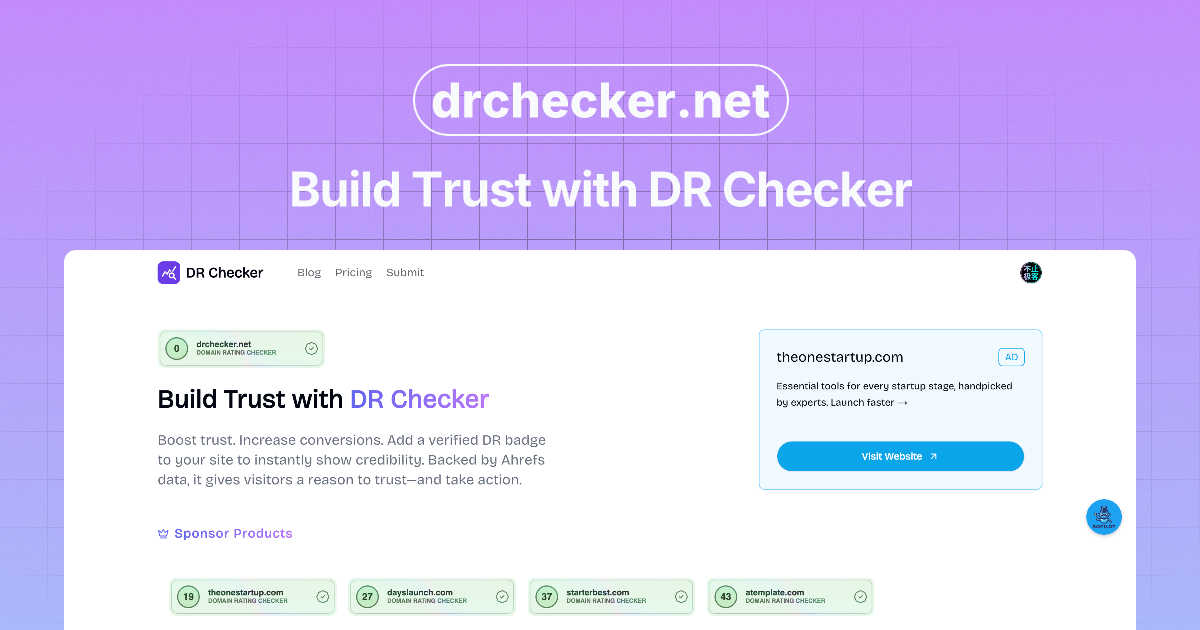
DR Checker
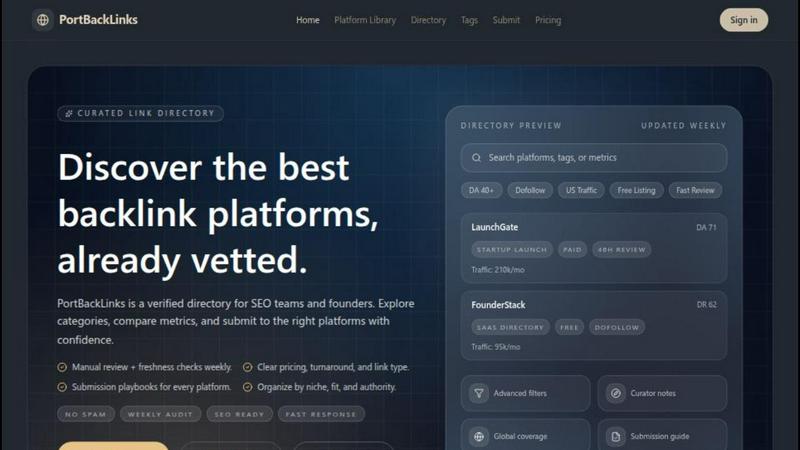
PortBackLinks
Feature Comparison
DR Checker
Comprehensive Link Scanning
DR Checker uses advanced crawling technology to thoroughly explore your website's structure, just like a search engine would. It doesn't just check the obvious pages; it digs deep to analyze every single link it can find, ensuring that no problematic connection is missed. This gives you a complete picture of your site's health, from the homepage to the deepest blog post or product page.
Broken & Invalid Link Detection
This core feature meticulously identifies links that lead nowhere. It flags 404 "Page Not Found" errors, links to domains that have expired, and URLs that are simply formatted incorrectly. By pinpointing these dead ends, DR Checker helps you clean up your site, preventing visitor frustration and preserving your site's credibility and SEO value.
Malicious Link Identification
Beyond broken links, DR Checker acts as a security guard for your website. It scans for links that point to potentially dangerous or questionable websites, which could be associated with malware, phishing, or spam. Identifying these risky connections helps you protect your visitors and your site's reputation from security threats.
Intuitive Reporting Dashboard
After each scan, DR Checker presents its findings in a clear, user-friendly dashboard. The reports highlight issues with actionable insights, showing you exactly which links are broken and where they are located on your site. This intuitive interface makes website maintenance simple for both technical developers and non-technical users alike.
PortBackLinks
Centralized Pipeline
PortBackLinks offers a centralized pipeline that allows you to manage every aspect of your backlink submissions from one workspace. You can easily track the status of submissions, ensuring that every link opportunity is accounted for and organized. This feature simplifies the communication process within your team and keeps everyone aligned on project goals.
Evidence Vault
The Evidence Vault feature enables you to store critical information for every live link in one place. This includes screenshots, URLs, and notes that provide proof of your backlink placements. By having all evidence organized, you can quickly reference successful submissions and present clear results to stakeholders, enhancing your reporting capabilities.
Reusable Assets
With PortBackLinks, you can save time and effort by utilizing reusable assets. This feature allows you to create and store templates, descriptions, and logos that can be used across multiple submissions. This consistency not only speeds up the submission process but also ensures that your branding remains unified throughout all outreach efforts.
Clear Reporting
PortBackLinks provides clear reporting tools that allow you to easily showcase your backlink achievements to stakeholders. You can generate reports that reflect the status of submissions, the success rate of your campaigns, and the overall impact on your SEO efforts. This transparency fosters trust and helps in justifying the resources allocated to your backlink strategies.
Use Cases
DR Checker
Routine Website Maintenance
Website owners and bloggers can schedule regular scans with DR Checker as part of their monthly website upkeep. This proactive approach helps them catch and fix broken links that naturally occur over time as external sites change or disappear, ensuring their content remains reliable and professional for their audience.
Pre-Launch Site Audits
Developers and agencies can use DR Checker to perform a final comprehensive check on a new website or a major update before it goes live. Catching broken or invalid links before launch prevents a poor first impression for clients and their customers, ensuring a polished and fully functional site from day one.
SEO Performance Optimization
Digital marketers and SEO specialists rely on DR Checker to audit websites for link health, which is a direct ranking factor for search engines like Google. By eliminating broken links and removing harmful outbound connections, they can improve the site's crawlability, user experience, and overall SEO performance.
Enhancing User Experience & Trust
E-commerce store managers and content creators use DR Checker to safeguard their visitor's journey. Removing broken links prevents dead-ends in the shopping or browsing experience, while filtering out malicious links builds trust by showing users the site is secure and well-maintained.
PortBackLinks
Streamlining Team Collaboration
PortBackLinks is ideal for teams looking to streamline collaboration on backlink campaigns. By having a centralized workspace, team members can easily see who is responsible for each submission, track progress, and follow up on outstanding tasks, ensuring that nothing falls through the cracks.
Managing Multiple Campaigns
For agencies or SEO professionals managing multiple backlink campaigns, PortBackLinks provides the necessary tools to keep everything organized. You can create distinct workspaces for each campaign, manage goals and timelines, and track the progress of multiple submissions simultaneously without confusion.
Proof Collection for Reporting
PortBackLinks excels in collecting proof for successful backlink placements, making it easier to report results to clients or stakeholders. With the Evidence Vault, you can document every live link and produce comprehensive reports that highlight your team's efforts and successes in achieving SEO goals.
Enhancing SEO Strategy
PortBackLinks supports the implementation of a well-structured SEO strategy by providing insights into the backlink process. You can analyze the success rates of various submissions, identify trends, and adjust your outreach strategies accordingly, ultimately leading to improved SEO performance over time.
Overview
About DR Checker
DR Checker is your friendly, web-based assistant for keeping your website healthy, fast, and secure. Think of it as a regular check-up for your site's links. It automatically scans your entire website to find broken links (those frustrating "404 Error" pages), invalid web addresses, and even sneaky links that might lead to harmful or spammy websites. These problematic links can annoy your visitors, hurt your search engine rankings, and even pose a security risk. DR Checker finds them all for you and provides a clear, easy-to-understand report. This tool is perfect for website owners, bloggers, digital marketers, and developers who want to maintain a professional and trustworthy online presence without needing deep technical expertise. By using DR Checker regularly, you can proactively fix issues, improve your site's performance, and ensure a smooth, safe experience for everyone who visits. Please note that this service is currently in a temporary pause state for deployment, but it is designed to be a powerful yet simple solution for essential website maintenance when active.
About PortBackLinks
PortBackLinks is a comprehensive workflow operating system tailored specifically for backlink building, creating a streamlined approach to managing SEO efforts. Designed for SEO professionals, marketing teams, and agencies, it eliminates the chaos of scattered spreadsheets and disorganized communication. With PortBackLinks, you can effortlessly track submissions, collect proof of live links, and ensure that every team member is on the same page regarding the status of backlink campaigns. The tool's core value lies in providing clarity and control over your off-page SEO strategies. By consolidating everything into one organized workspace, PortBackLinks transforms your backlink process from a source of frustration into a structured and efficient pipeline that fosters collaboration and accountability. Embrace the power of PortBackLinks and take your backlink campaigns to new heights.
Frequently Asked Questions
DR Checker FAQ
How does DR Checker scan my website?
DR Checker uses an advanced web crawler, which is a program that systematically browses your website much like a search engine bot. It starts from a URL you provide and follows every link it finds, creating a map of your site and testing each link to see if it leads to a valid, live page or if it returns an error.
Do I need technical skills to use DR Checker?
Not at all! DR Checker is designed with a simple, intuitive interface. You simply enter your website's address to start a scan. The results are presented in a clear report that highlights what's wrong and where, making it easy for anyone, regardless of technical background, to understand and take action.
What kind of links does DR Checker identify as problematic?
DR Checker primarily identifies three types of problematic links: Broken links that lead to "404 Not Found" or other error pages, invalid links with typos or incorrect formatting, and malicious links that point to websites known for security threats, phishing, or spammy content.
Why is it important to fix broken links on my site?
Fixing broken links is crucial for several reasons. It improves user experience by preventing visitor frustration. It helps your SEO, as search engines penalize sites with too many dead links. It also maintains your site's professionalism and trustworthiness, showing that you care about your content and your audience.
PortBackLinks FAQ
How does PortBackLinks help in backlink building?
PortBackLinks simplifies the backlink building process by providing a centralized platform to track submissions, collect proof, and manage communication. This streamlined approach improves efficiency and ensures clarity throughout the campaign.
Can I manage multiple projects with PortBackLinks?
Yes, PortBackLinks is designed to handle multiple projects effortlessly. You can create separate workspaces for each campaign, allowing you to manage goals, assets, and timelines independently while still having a clear overview of all your backlink activities.
What kind of reports can I generate with PortBackLinks?
PortBackLinks offers reporting tools that allow you to create comprehensive reports on submission statuses, success rates, and overall campaign performance. These reports help you communicate effectively with stakeholders and demonstrate the impact of your backlink efforts.
Is PortBackLinks suitable for small teams?
Absolutely! PortBackLinks is perfect for small teams as well as larger agencies. Its user-friendly interface and collaborative features make it easy for any size team to manage backlink campaigns effectively and efficiently.